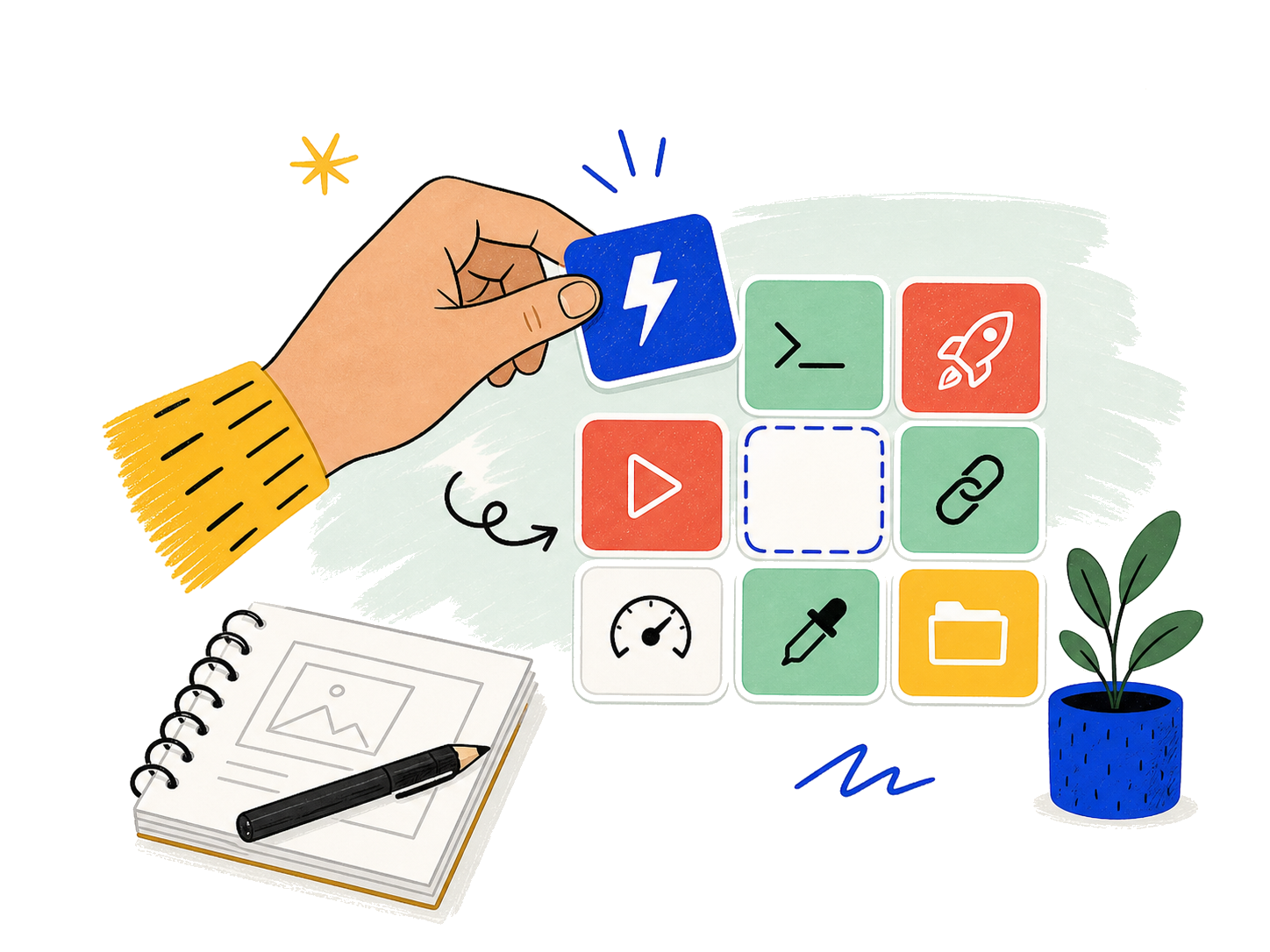
One tap. Anything happens.
Launch apps, run shortcuts, open folders and trigger the actions you use every day.
 DECK MATE
Get Deck Mate →
DECK MATE
Get Deck Mate →

Turn your phone into a beautifully simple control deck for your Mac. Shortcuts, gestures and controls—arranged your way.
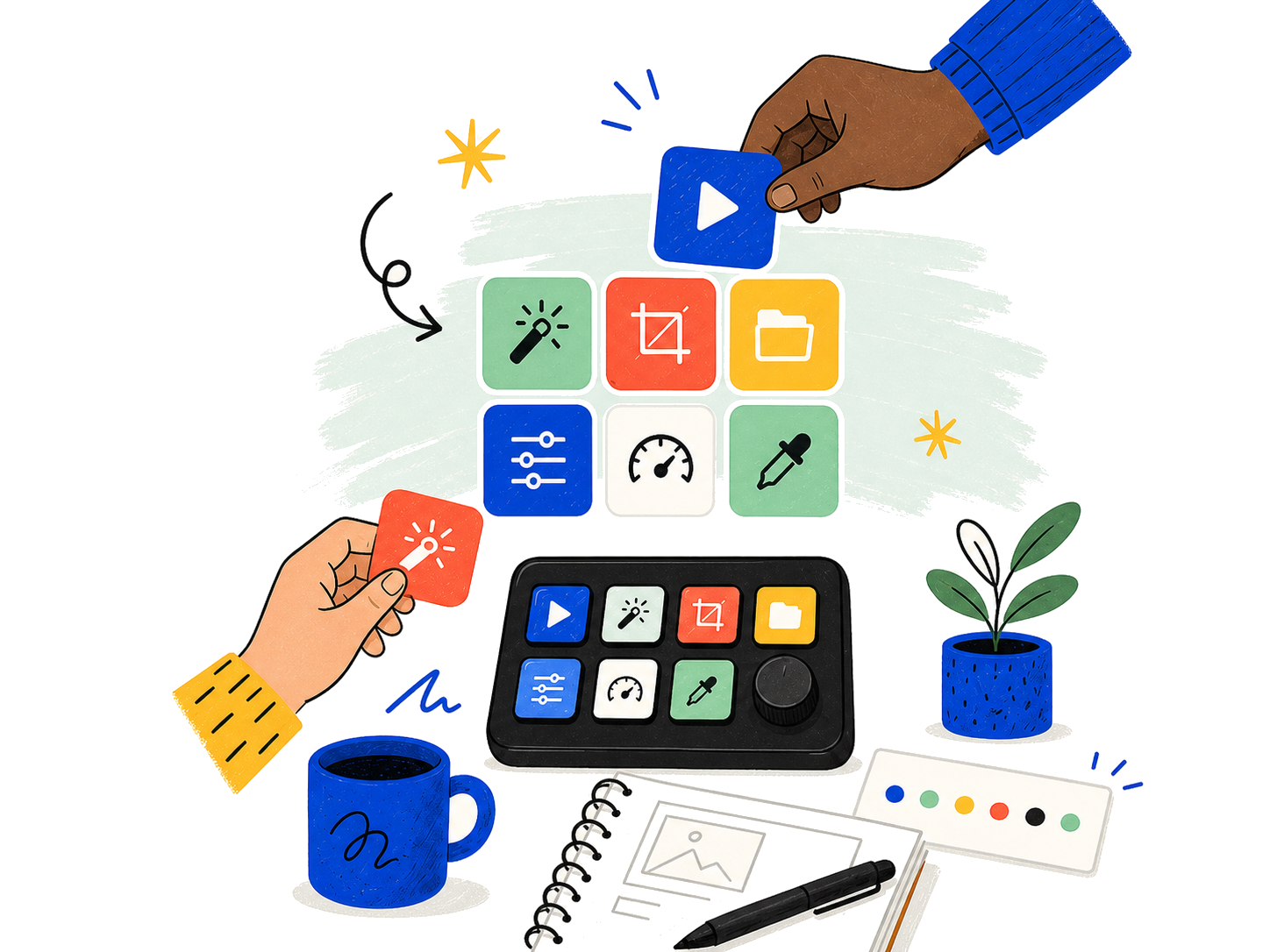
Powerful controls made approachable through playful, memorable interactions.
Launch apps, run shortcuts, open folders and trigger the actions you use every day.
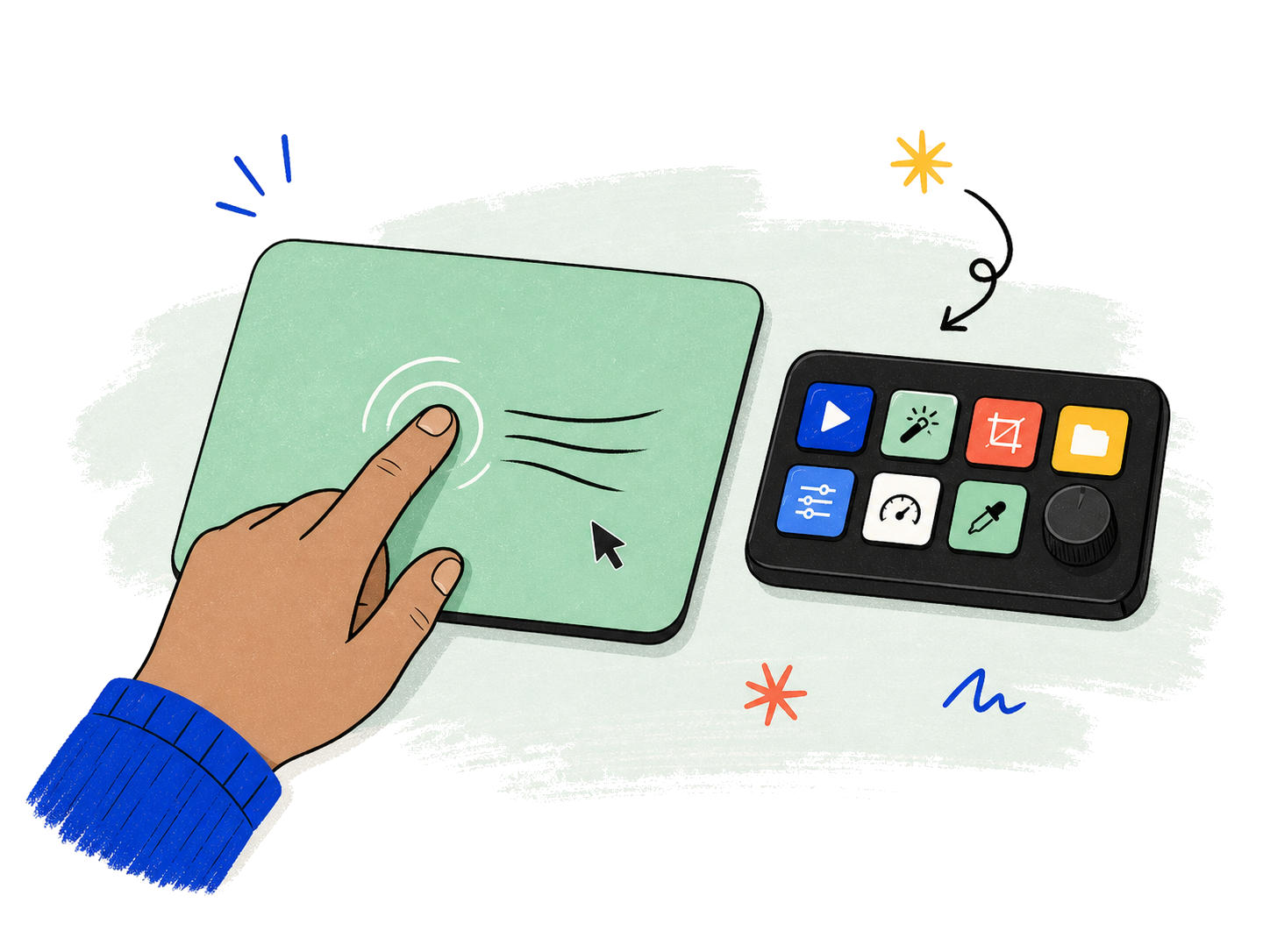
Move, click, scroll and navigate naturally from the trackpad built into your deck.
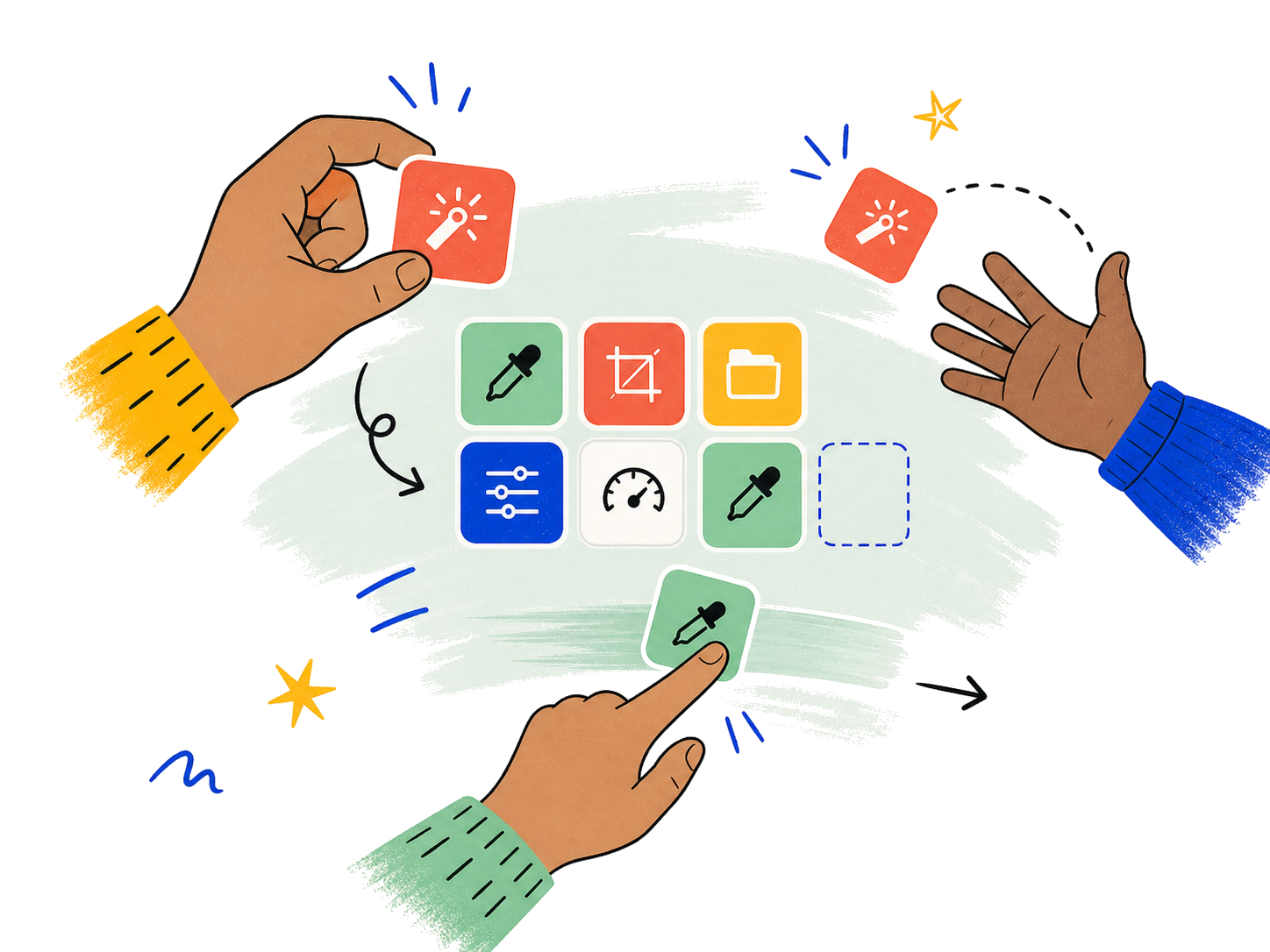
Assign memorable gestures to actions and let muscle memory speed up your workflow.
Each gesture has a clear purpose, so you always know what your hands can do.
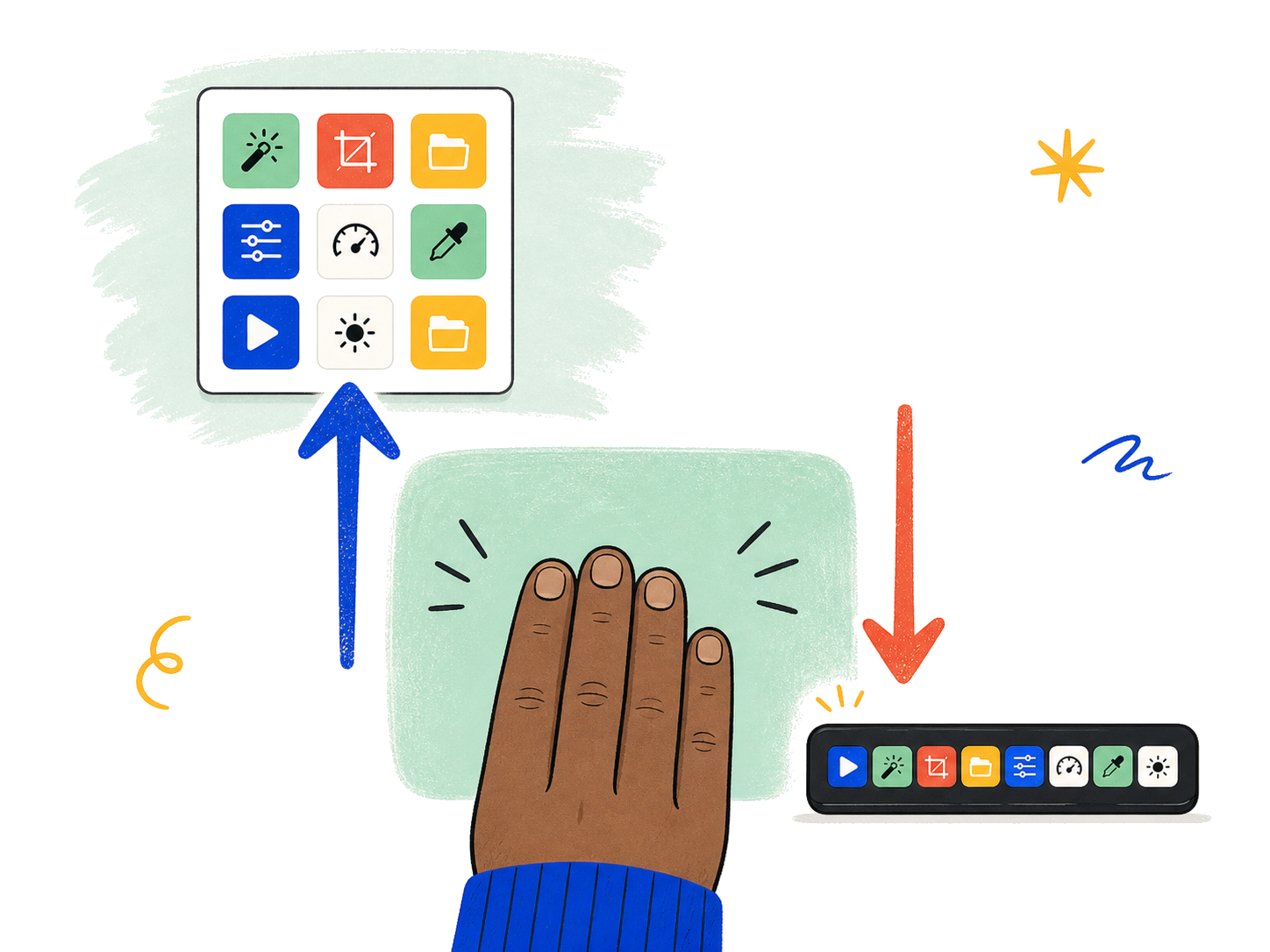
Move between apps, decks or spaces with a quick directional swipe.
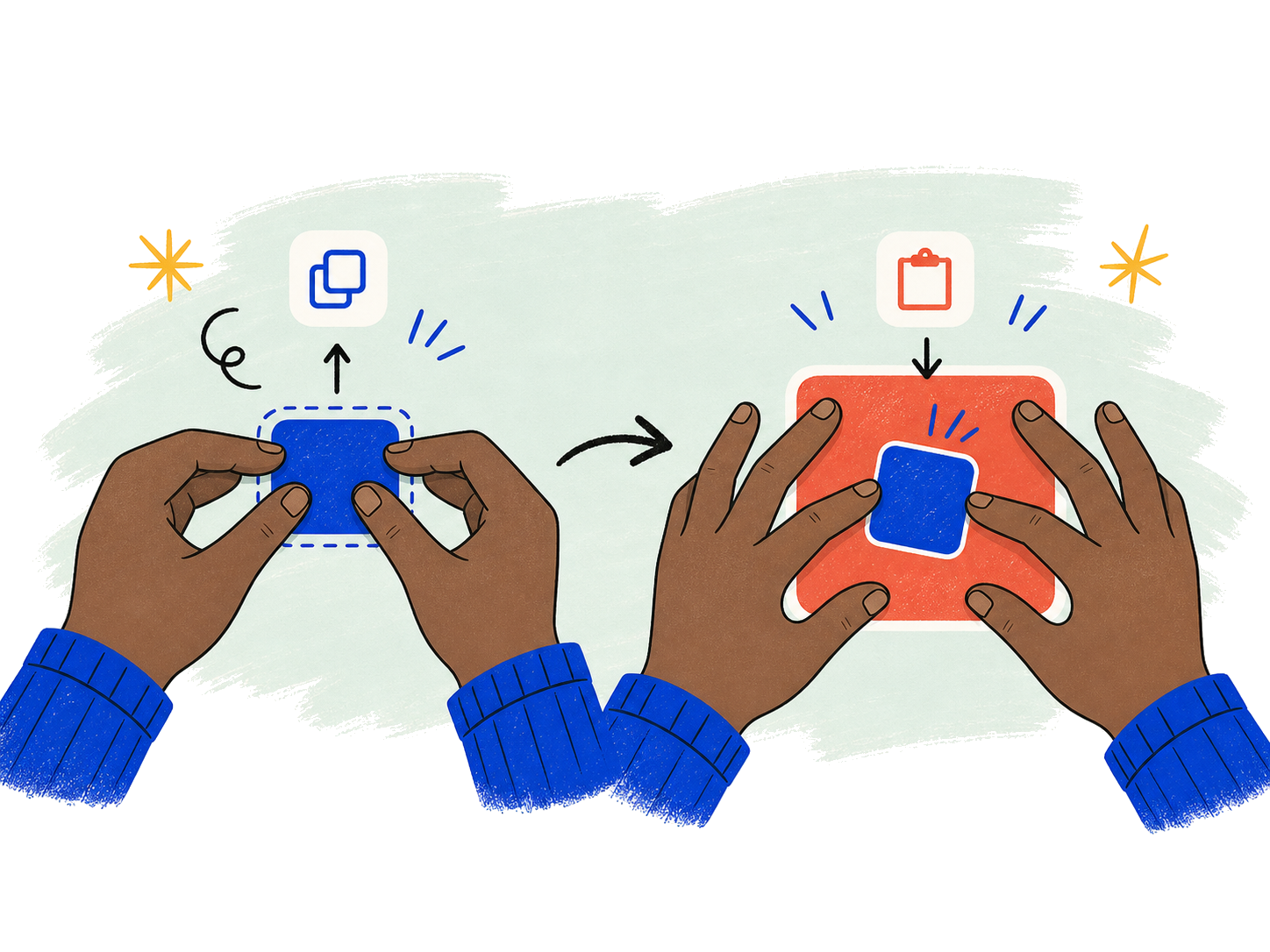
Pinch in or out for zoom, volume, scale—or any custom action you choose.
Control OBS, scenes, audio and recording without breaking eye contact with your audience.
Build a creator deck →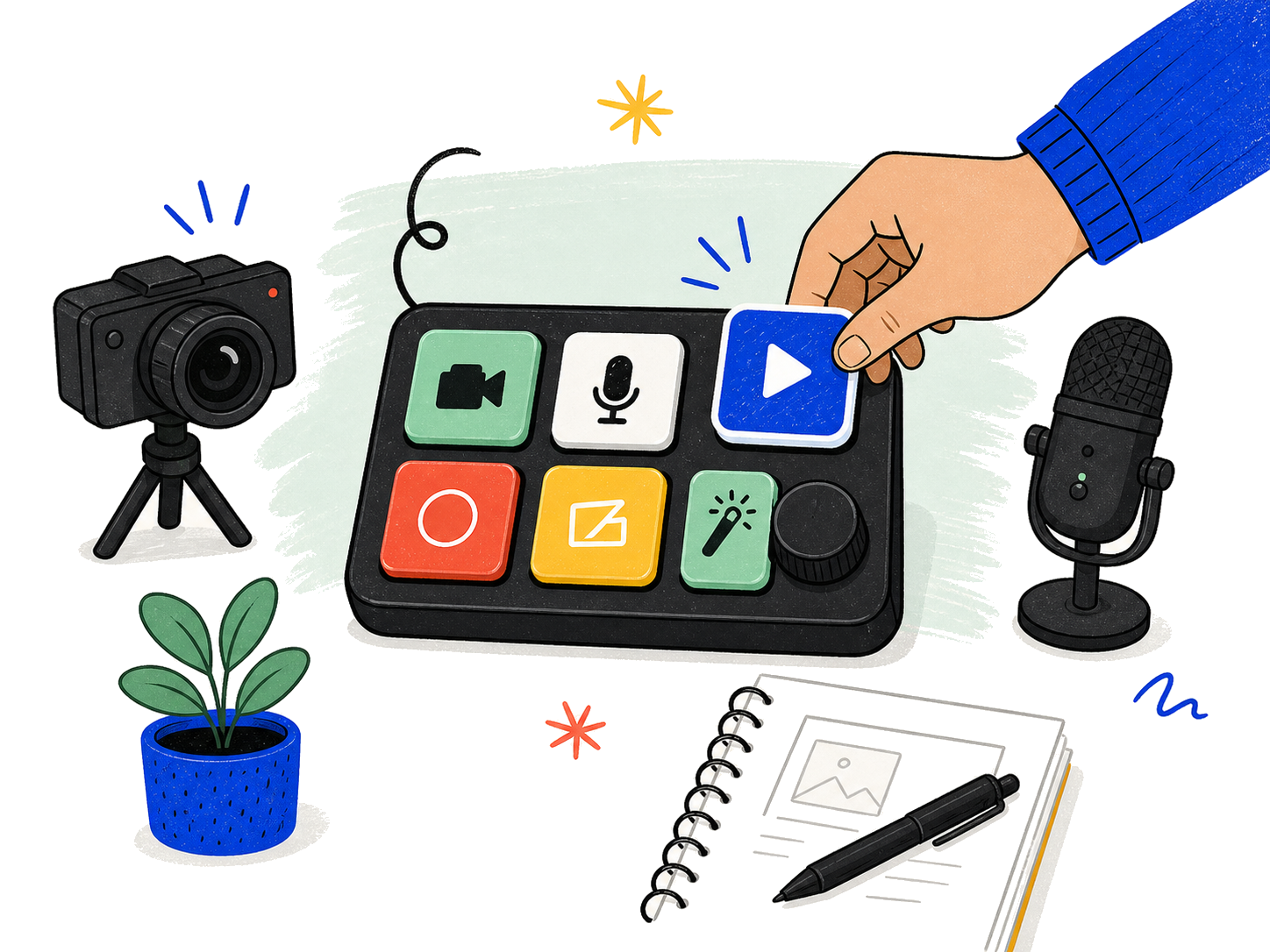
Start, stop and switch what you share from one clear control—perfect for calls and presentations.
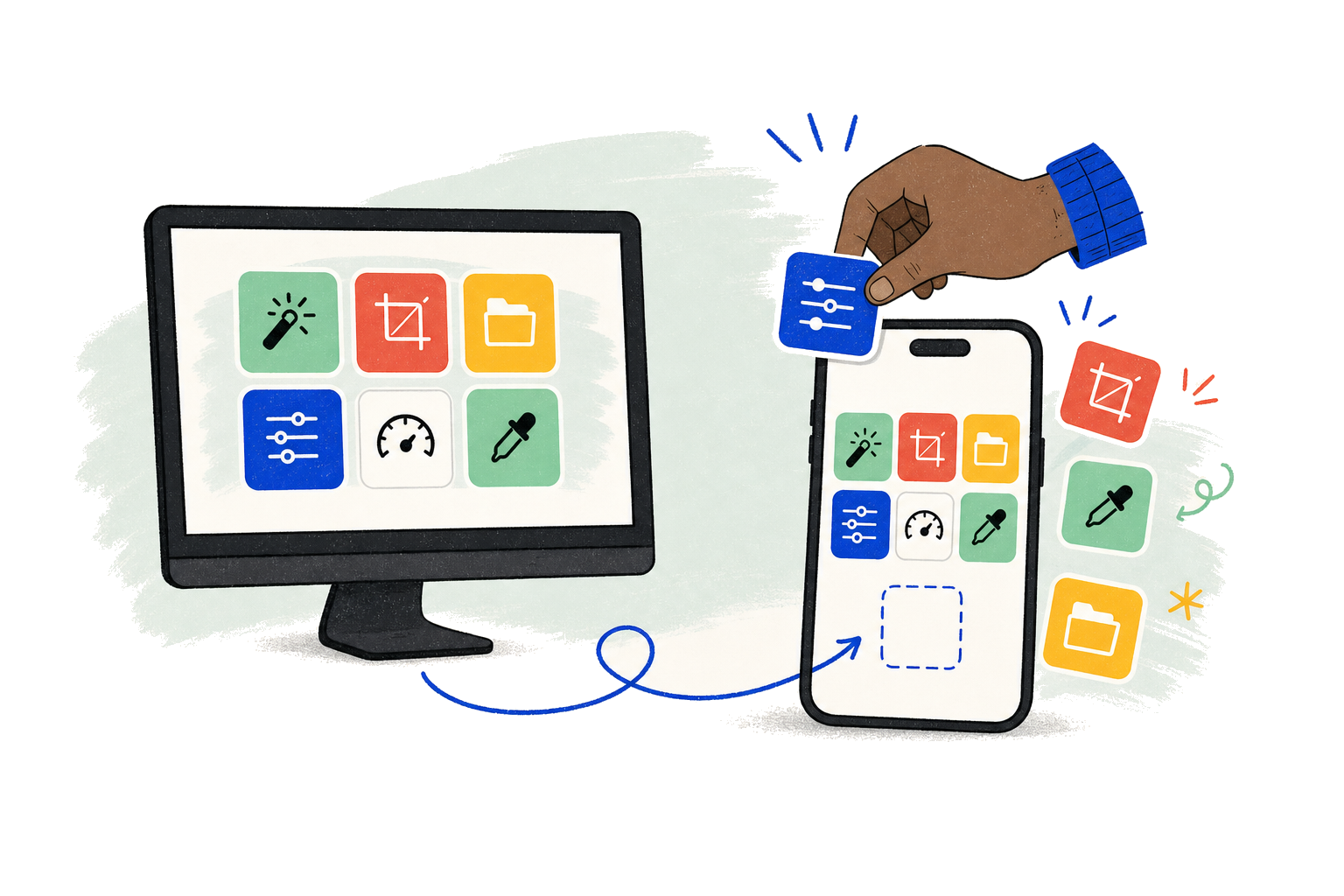
Design on the big screen, then control everything from the device already in your hand.
Tap actions, use gestures, move the pointer and see instant feedback from your phone.
Create pages, assign actions, choose colors and arrange every control with precision.
The same neo-brutalist controls used in the Mac app—bold, tactile and instantly recognizable.
 Play / Pause
 Shortcut
 Open Folder
 OBS Scene
 Camera
 Volume
 Run Script
 Mute Mic
 Brightness
 Screen Share
 Screenshot
 Your Action
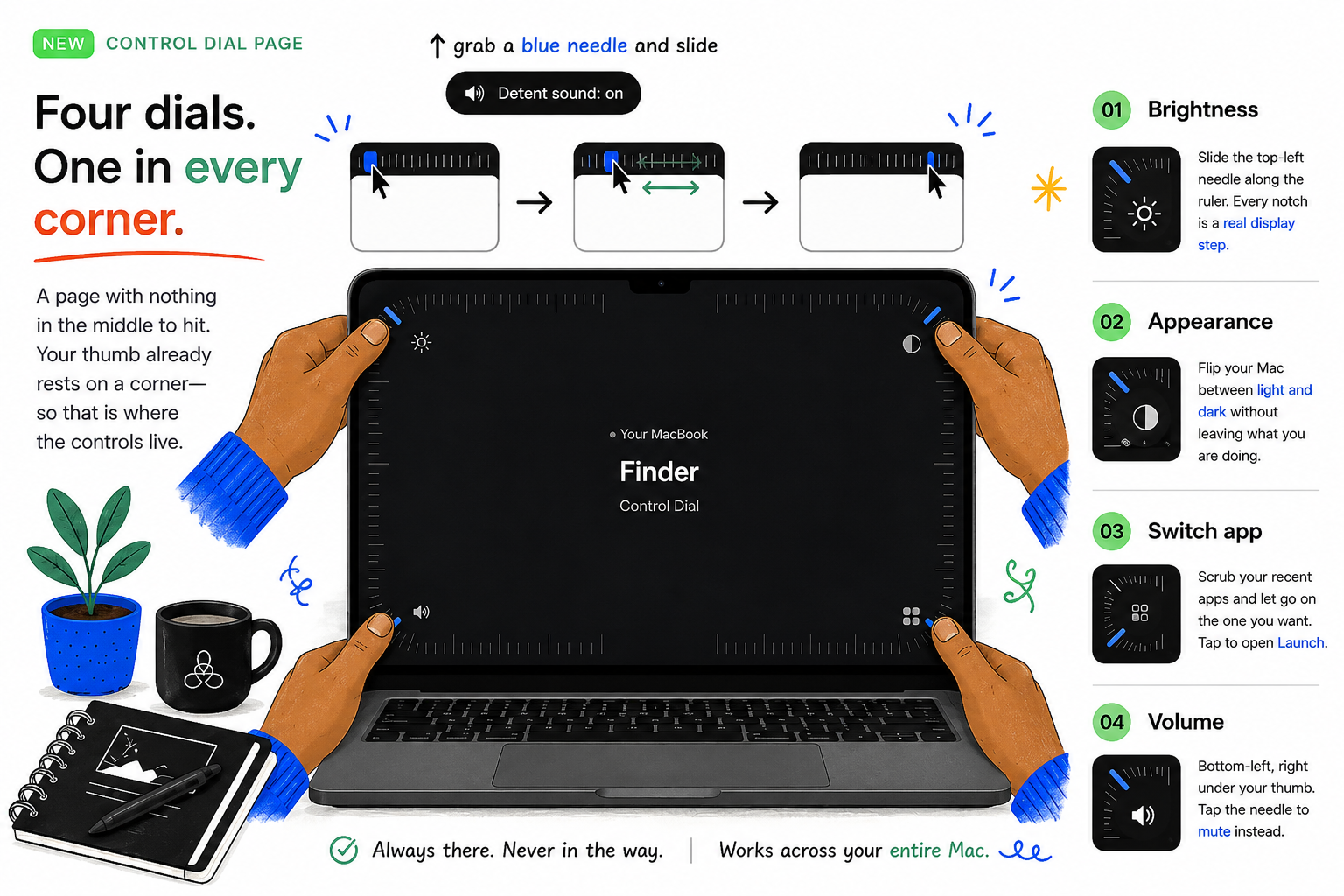
A page with nothing in the middle to hit. Your thumb already rests on a corner—so that is where the controls live.
Slide the top-left needle along the ruler. Every notch is a real display step.
Flip your Mac between light and dark without leaving what you are doing.
Scrub your recent apps and let go on the one you want. Tap to open Launch.
Bottom-left, right under your thumb. Tap the needle to mute instead.
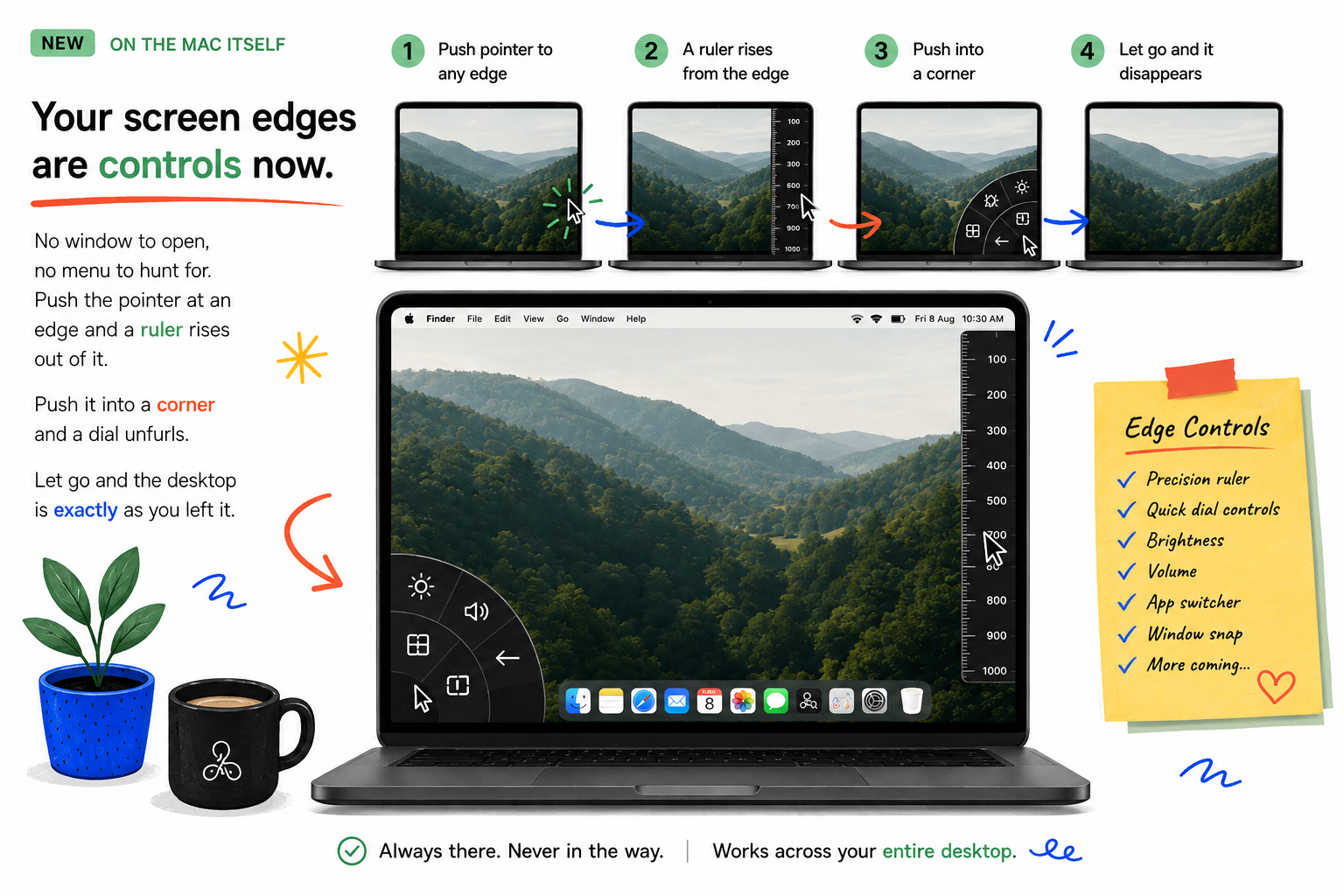
No window to open, no menu to hunt for. Push the pointer at an edge and a ruler rises out of it. Push it into a corner and a dial unfurls. Let go and the desktop is exactly as you left it.
Sixty ticks of travel. The ones near your value light up blue and stretch, so you read the level without looking for a number.
The same ruler, bent around a corner. Your pointer is already there when it hits the edge of the screen — so the target is infinitely large.
Every notch clicks. Scroll fast and it ratchets; hit either end and the click lands heavier. Turn it off if you would rather it were silent.
It collapses a moment after you leave and fades out entirely. Clicks pass straight through to whatever is underneath.
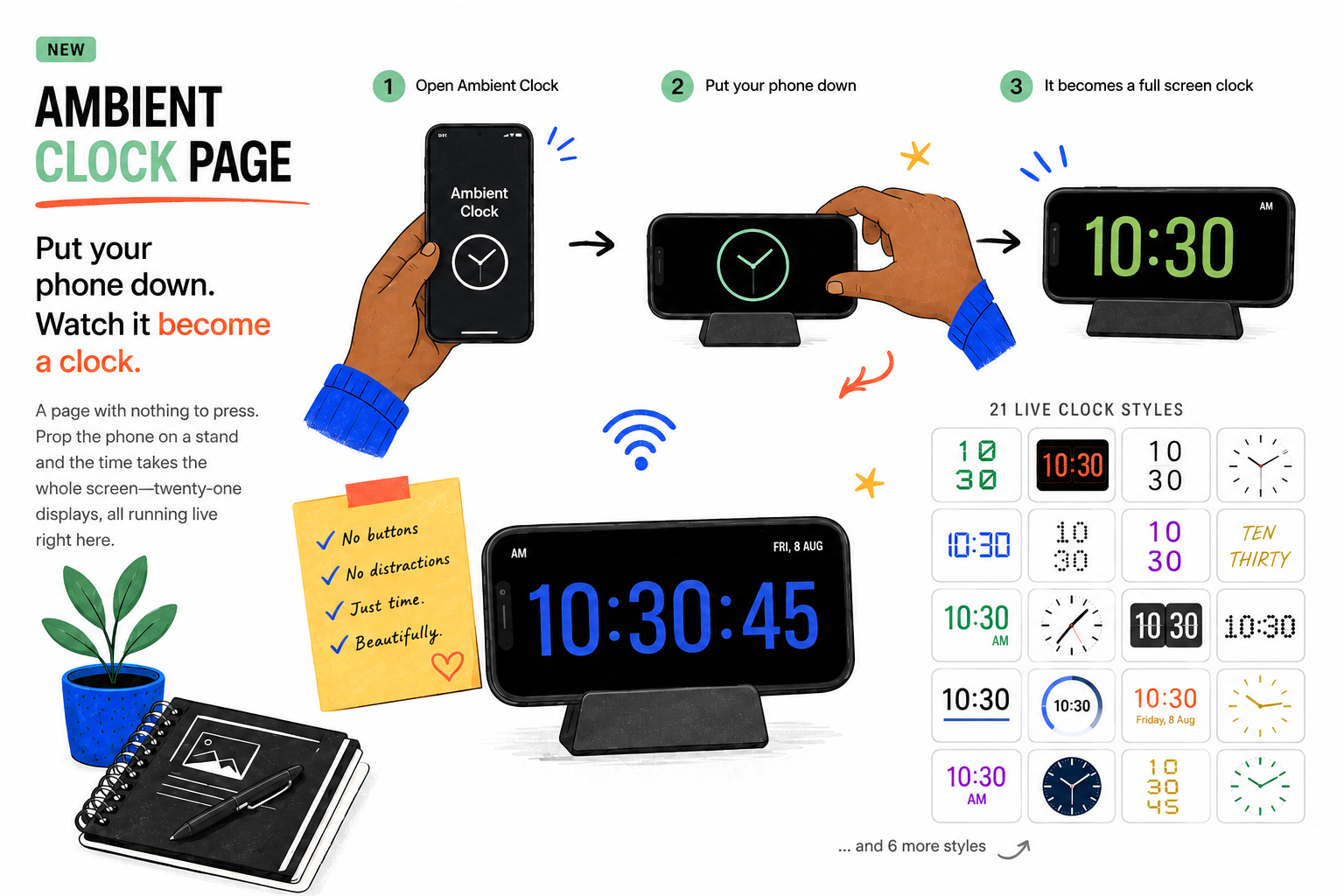
A page with nothing to press. Prop the phone on a stand and the time takes the whole screen—twenty-one displays, all running live right here.
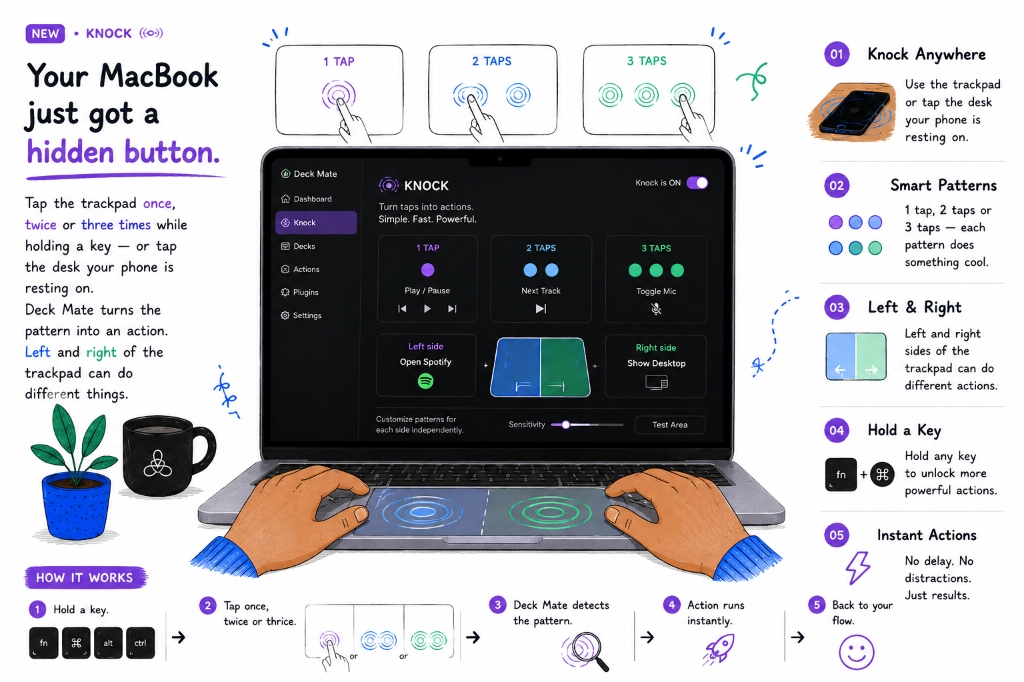
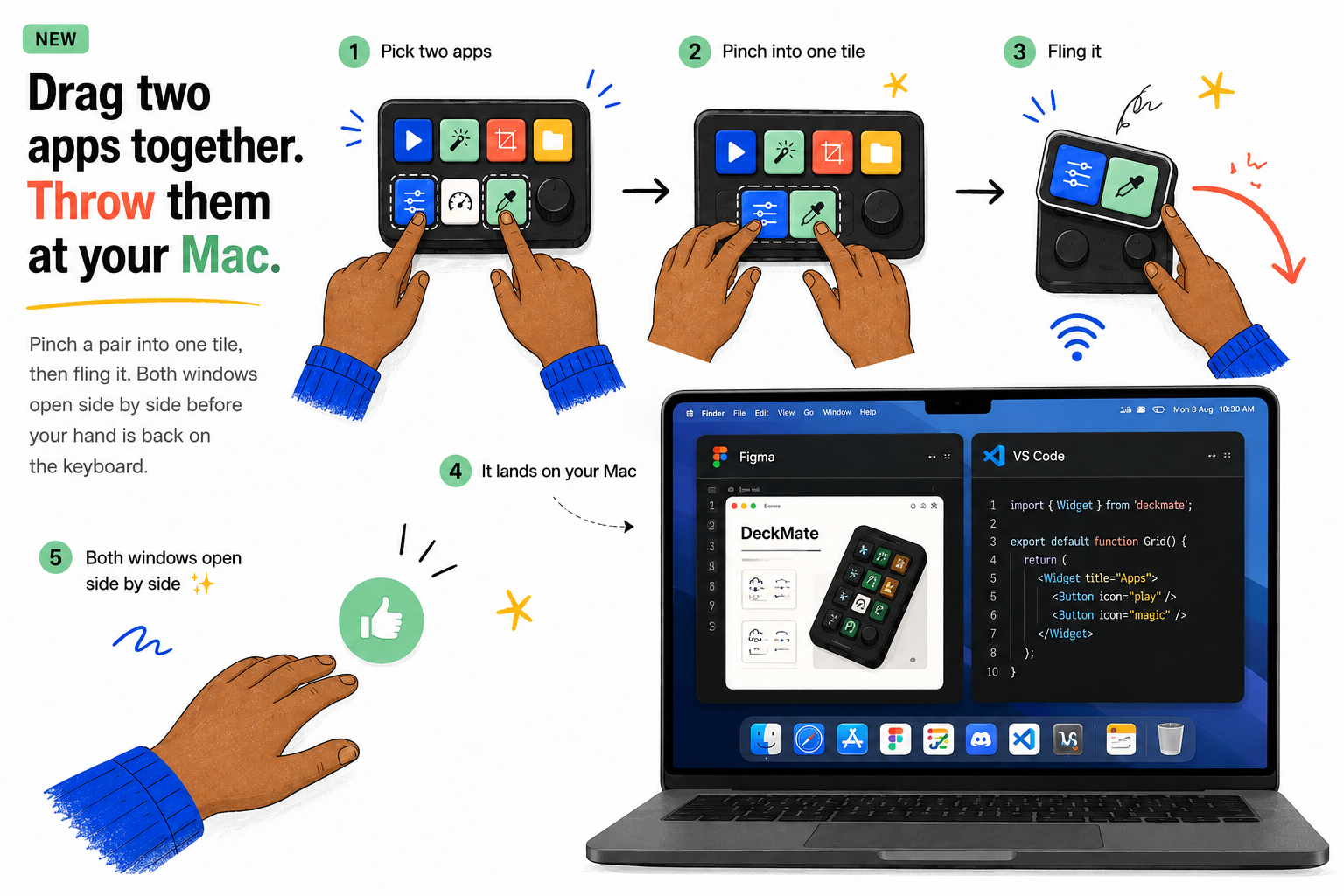
Pinch a pair into one tile, then fling it. Both windows open side by side before your hand is back on the keyboard.
Then flick the pair upwards to send it →
Start with a shortcut, media control, app, script or creator command.
Give it a color, icon and position your fingers will remember.
Your action reaches the computer instantly over the local network.
Move useful controls and information away from your main display so your workspace stays focused.
Extend my workspace →
Scenes, recording, editing and publishing without losing the moment.
Run builds, scripts, terminals and project shortcuts with one tap.
Control OBS, audio, overlays and reactions while staying live.
Turn repetitive routines into personal, memorable controls.
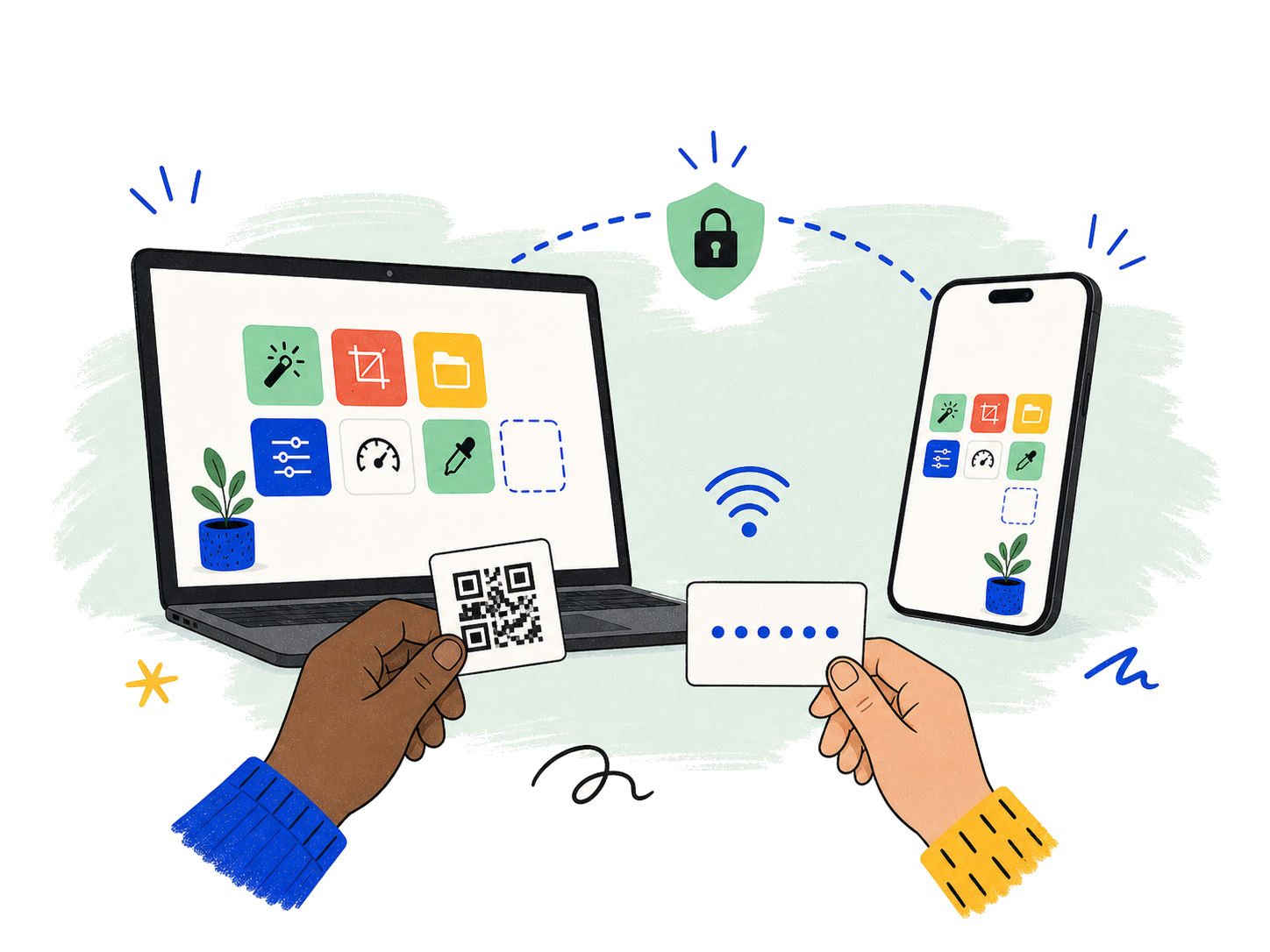
Launch Deck Mate on your phone and Mac.
Pair instantly over your private local network.
Add controls, arrange the grid and start flowing.
Your commands stay between your phone and computer. Deck Mate needs no account and sends no workflow data to a cloud service.
No subscription. Pay once only if you need the advanced live-control tools.
Create and use your personalized control deck without paying.
A single lifetime purchase—never a monthly subscription.
Deck Mate began as a personal frustration and became a working product in one focused build.
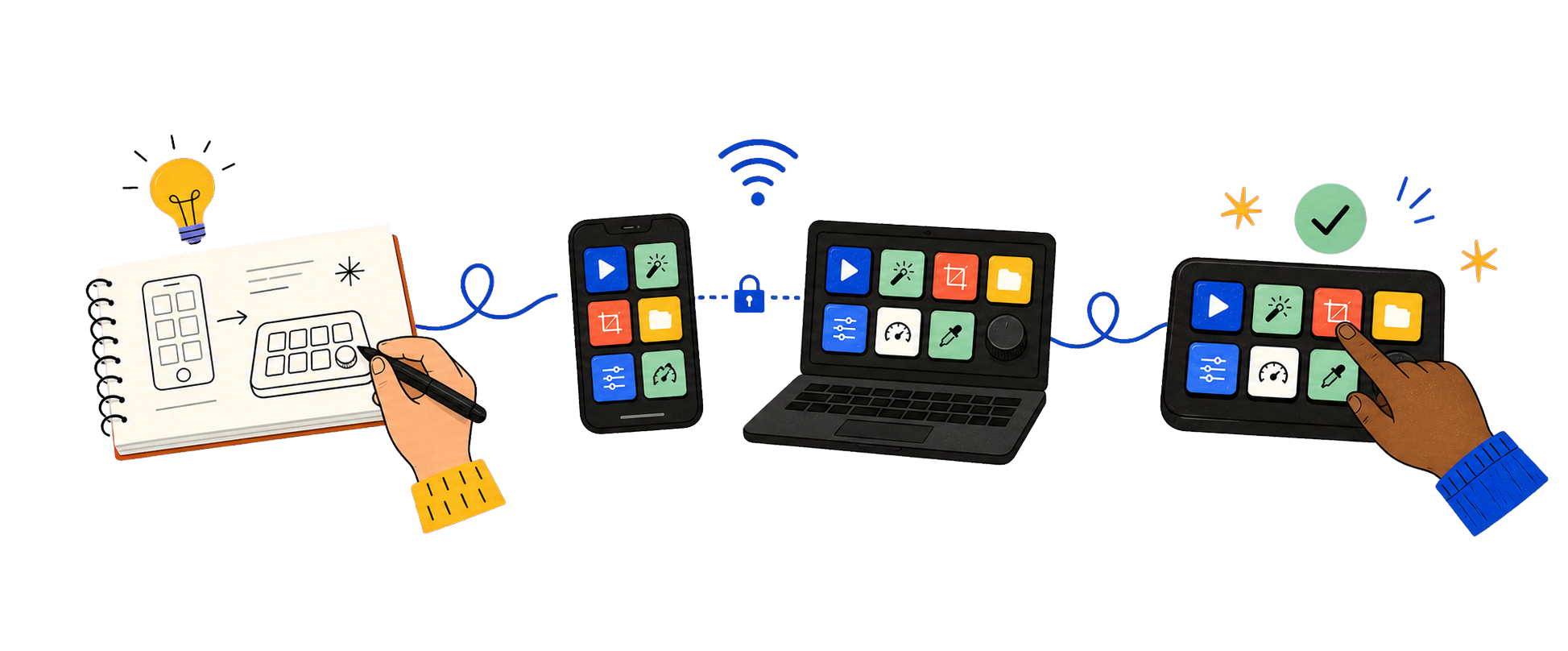
What if the phone already on the desk became the missing control surface?
Phone and computer were paired locally, with actions moving instantly.
A complete customizable controller, end to end—and still evolving.
Tell us what would make your workflow smoother. Your email will open with a ready-to-complete feature-request template.
Request a feature →Deck creation, shortcuts, app and folder launching, media controls, custom layouts, local pairing and gesture shortcuts are free.
Screen sharing, OBS control and the mouse trackpad. It is one payment for lifetime access, not a subscription.
No cloud connection is required for normal control. Both devices connect privately over the same local Wi-Fi network.
The desktop companion is available for macOS and Windows. The mobile controller supports Android, with the iOS version listed separately as it becomes available.
Your decks, shortcuts and pairing information remain on your devices. Deck Mate does not require a cloud account.
Email contact@oliosoft.com and include your device, operating system and a short description of the issue.
Download the desktop companion and mobile controller, pair once, and make every tap count.
Need installation help? contact@oliosoft.com